
Difficulty
Very easy
Steps
7
Time Required

Incorrect Bullets
This guide contains bullet colors that do not match markup, or improperly-used bullet types.
-
-
Perform a warm shut down on the server. Run:
-
ssh -l root <hostname> shutdown -h now
-
-
-
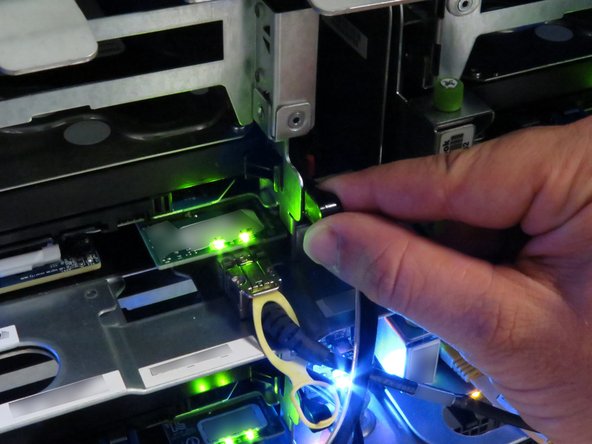
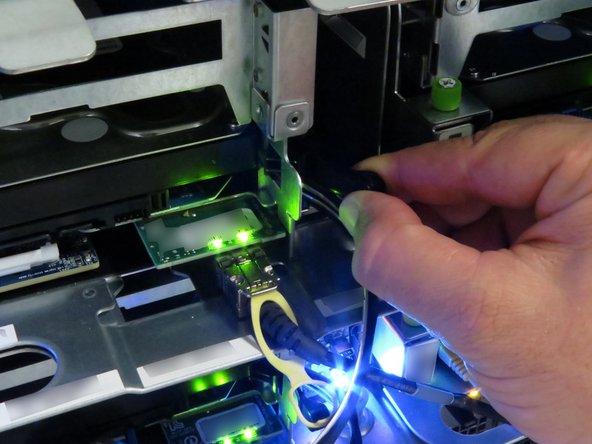
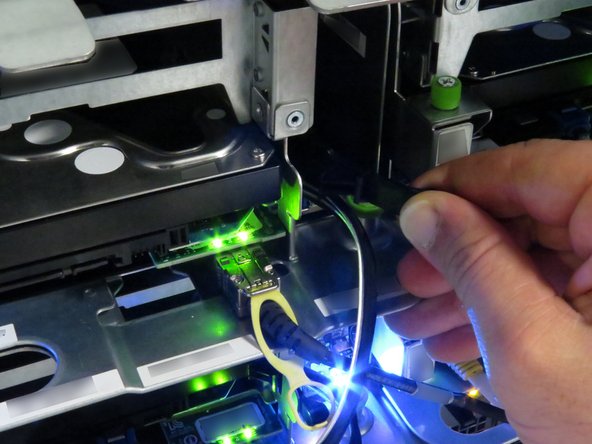
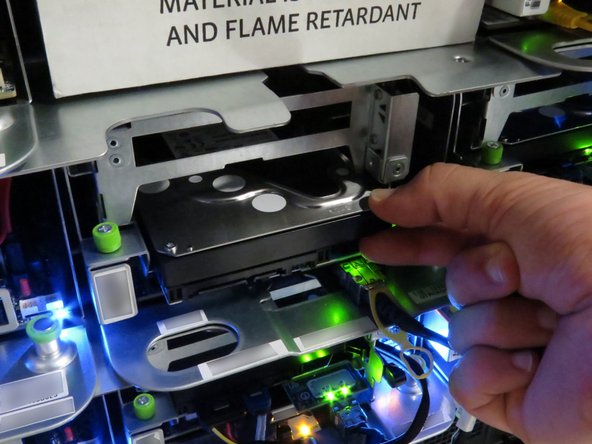
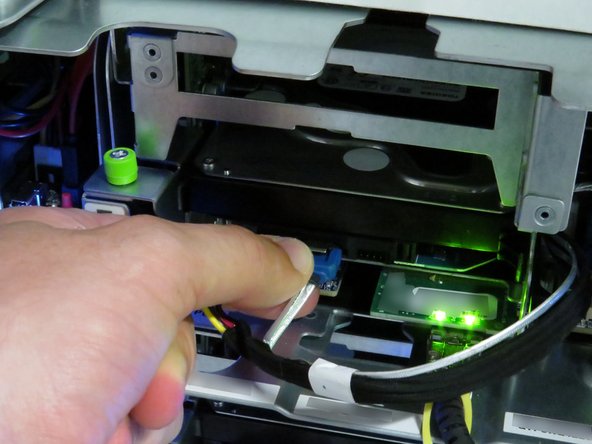
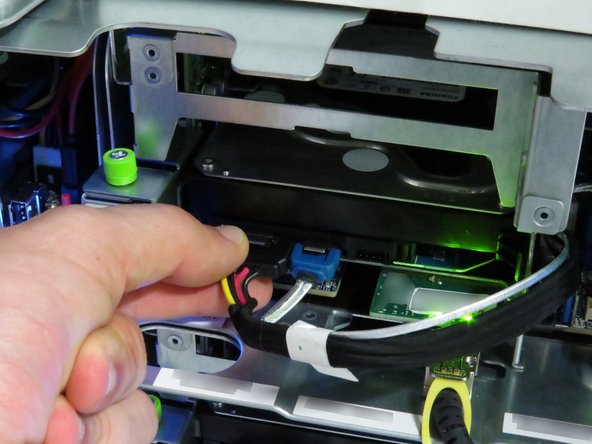
Disconnect the power connector from the HDD.
-
Disconnect the SATA connector from the HDD.
-
Squeeze both connectors so that the metal tab depresses.
-
-
-
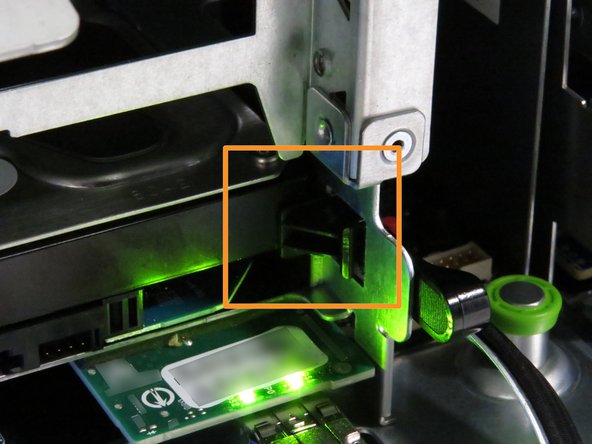
Pull the black nylon HDD release lever towards the right of the server.
-
Stop pulling towards the right when resistance is felt.
-
Pull the black nylon HDD release lever towards the front of the server.
-
Stop pulling towards the front when resistance is felt.
-
-
-
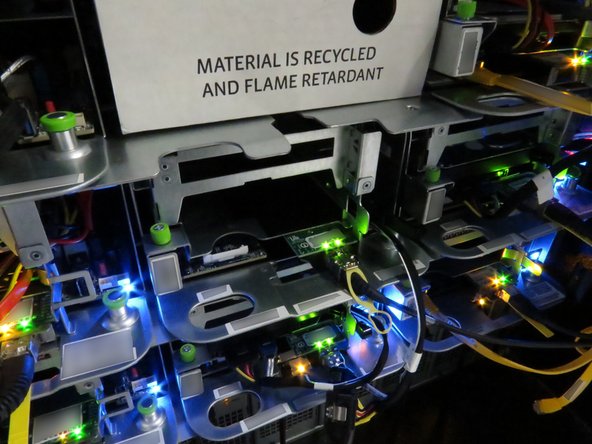
Insert your fingers right above the HDD.
-
Slide the HDD forward (1) inch.
-
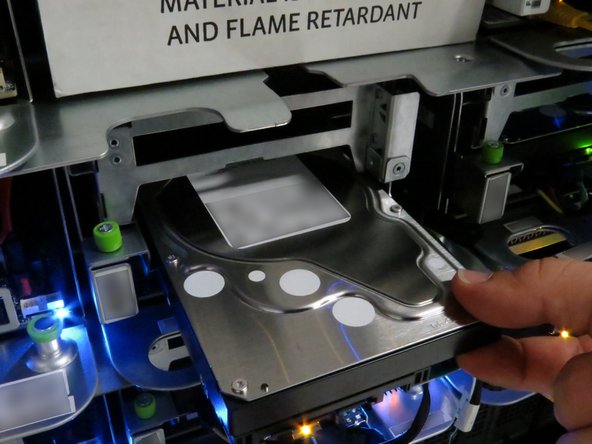
Grasp the HDD as shown, and remove it from the server.
-
-
-
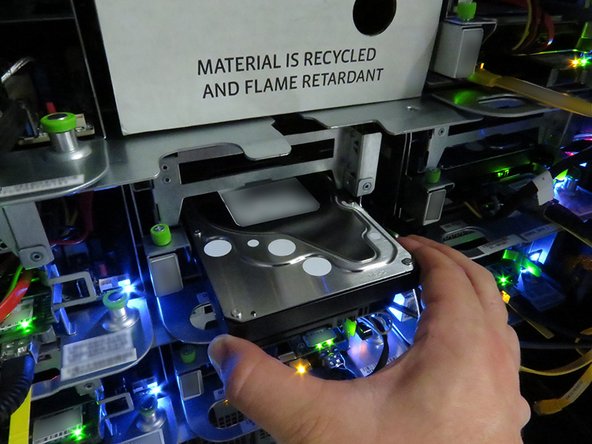
Insert the HDD, as shown.
-
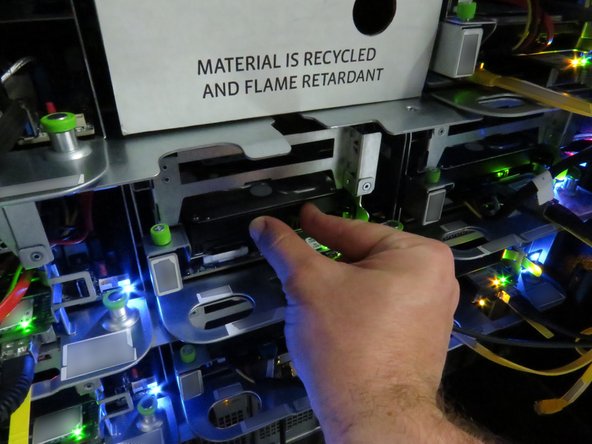
Ensure the black nylon HDD release has secured the drive, as shown.
-
-
-
Connect the SATA cable.
-
Connect the power cable.
-
-
-
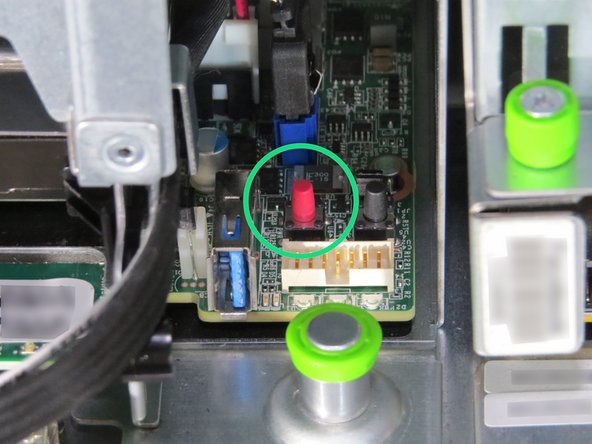
Press the power button.
-


This work is licensed under a Creative Commons Attribution 4.0 International License.
This work is licensed under a Creative Commons Attribution 4.0 International License.
