
Introduction
This guide describes how to replace a Cubby shelf in an Open Rack V2.
-
-
Prior to shelf replacement, ensure that the hosts can in the shelf can be properly powered down.
-
Remove the server nodes that are installed in the Cubby that is going to be replaced.
-
Place the server sleds on a crash cart or work bench. They will be reinstalled after a new shelf is installed.
-
Take note of the server positions when removing them from the shelf. These servers should be installed into their original positions.
-
-
-
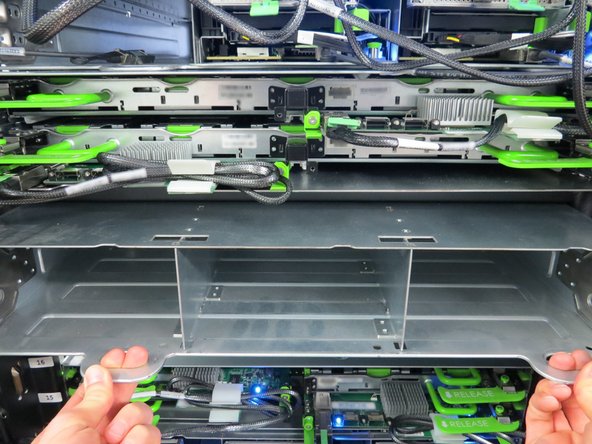
Push (2) metal retention towards the center of the shelf, as shown.
-
-
-
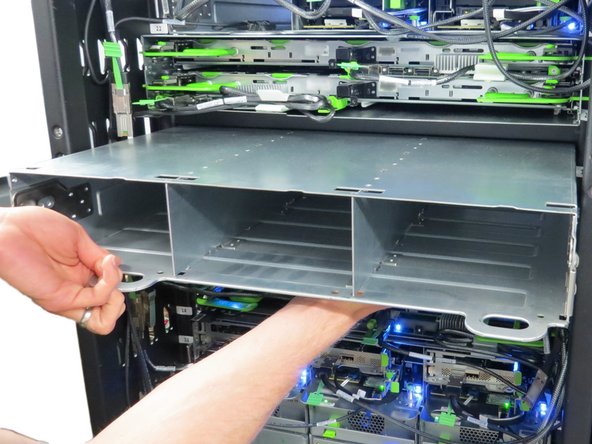
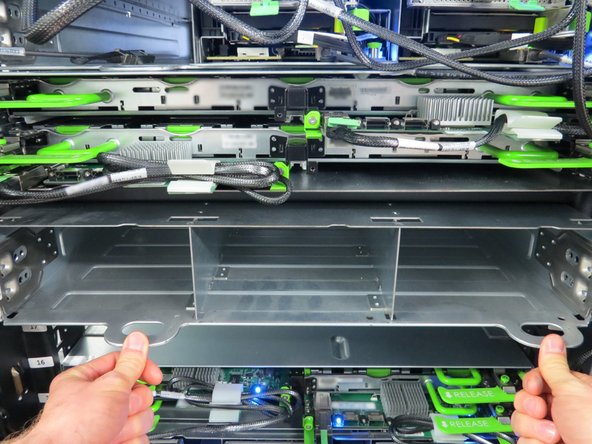
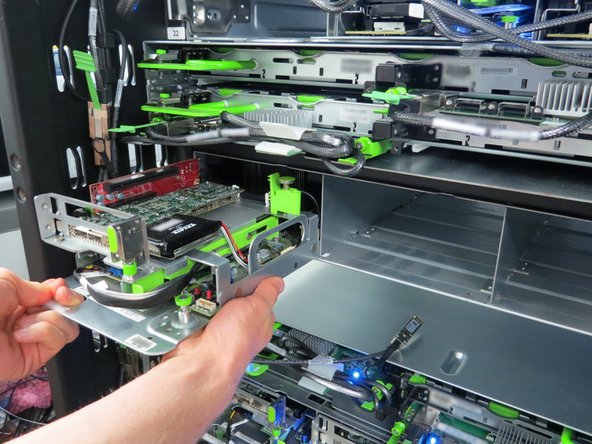
Begin sliding the Cubby out of the rack.
-
Place a hand underneath the chassis while removing it to counterbalance the weight.
-
-
-
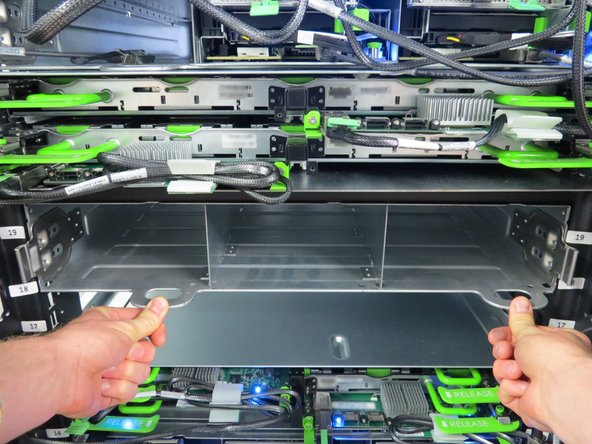
Align and insert the new sled into the rack opening.
-
Firmly apply pressure until the metal retention tabs click into place. This indicates that the Cubby sled is secure.
-
-
-
Install the previously removed servers back into their original positions.
-




This work is licensed under a Creative Commons Attribution 4.0 International License.
This work is licensed under a Creative Commons Attribution 4.0 International License.
