
Introduction
Overview
This guide demonstrates how to replace the power supply unit in an Open Compute V2 server. == Acronyms and Terms == * AC - Alternating Current * DC - Direct Current * PSU - Power Supply Unit
-
-
Power off both server systems in the Open Compute V2 chassis.
-
Remote Power Down: Login to each server to power it off.
-
shutdown -h now;exit -
Hardware Power Down: Press and hold the power switch for at least three seconds, as annotated.
-
-
-
Disconnect all of the peripheral cables from the server sleds.
-
Engage the locking mechanism on the right side of the Open Compute V2 chassis.
-
Pull the chassis away from the rack.
-
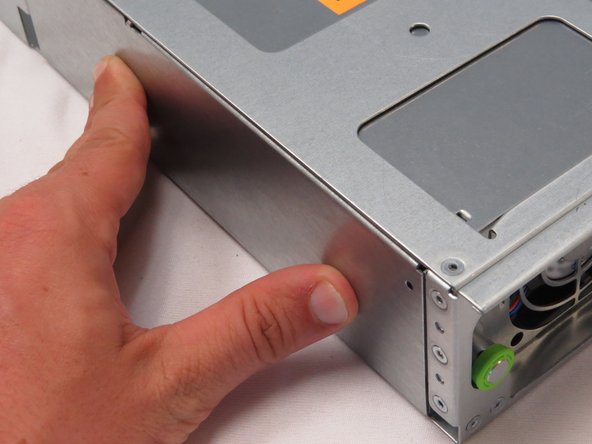
Place the chassis on a work surface.
-
-
-
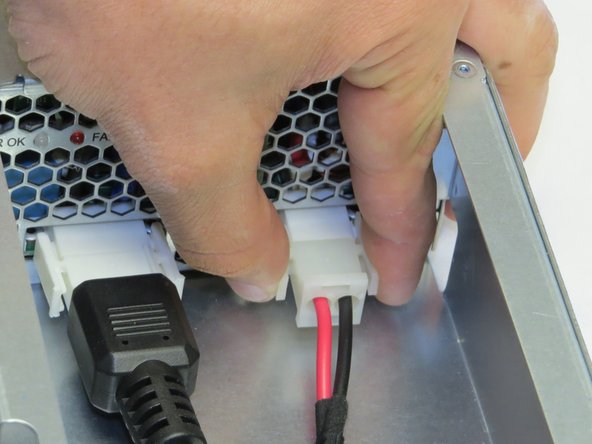
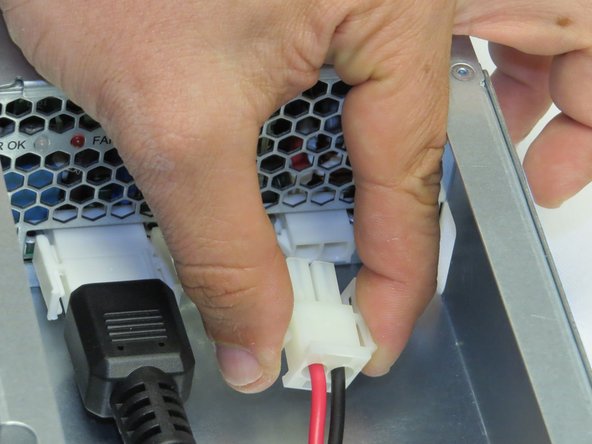
Disconnect one DC cable connector from the PSU.
-
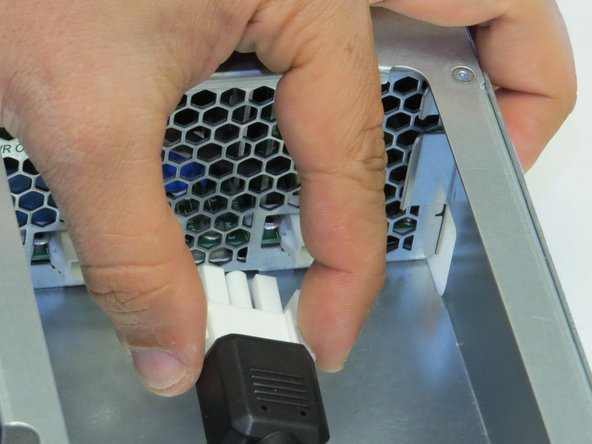
Disconnect one AC cable connector from the PSU.
-
Make sure to pinch the connector tabs to release the cables..
-
-
-
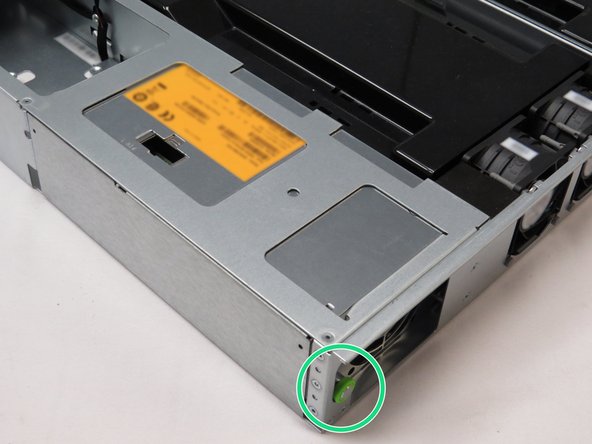
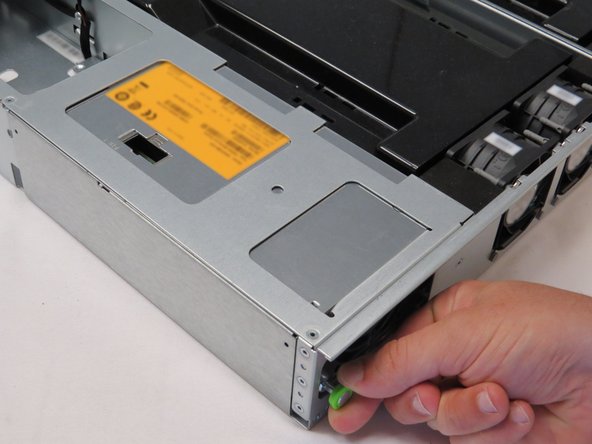
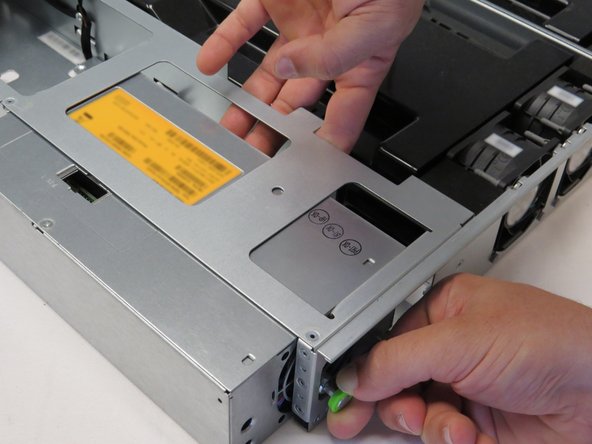
Pull the retention plunger away from the PSU.
-
Push the PSU away from the chassis while holding the plunger outwards, as shown.
-
-
-
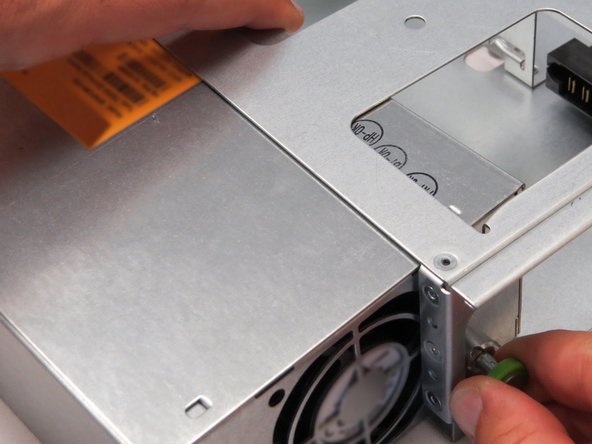
Pull the retention plunger away from the chassis.
-
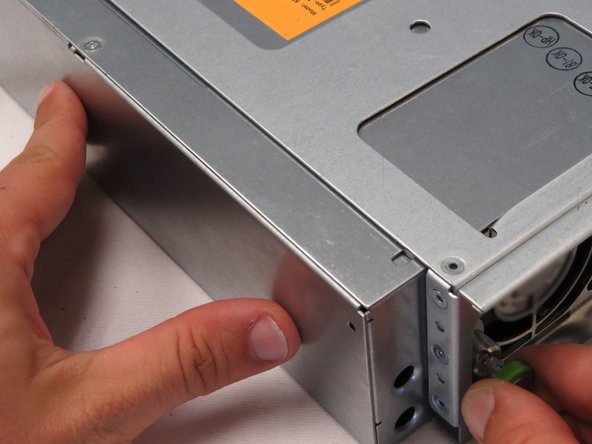
Push the new PSU in towards the chassis, as shown.
-
Release the retention plunger to secure the PSU.
-
-
-
Slide the chassis into the rack.
-
-
-
Power on the server by pressing the power button.
-


This work is licensed under a Creative Commons Attribution 4.0 International License.
This work is licensed under a Creative Commons Attribution 4.0 International License.
