
Introduction
This guide details the necessary steps to mate a Solid State Drive (SSD) with the solid state drive adapter.
-
-
Use caution when inserting the Solid State Drive (SSD) into the adapter as the foam strip edge can catch on the SSD.
-
Insert the SSD at an angle to avoid direct contact with the foam strip's edge.
-
-
-
Continue sliding the SSD into the adapter at an angle until fully seated in the unit.
-
-
-
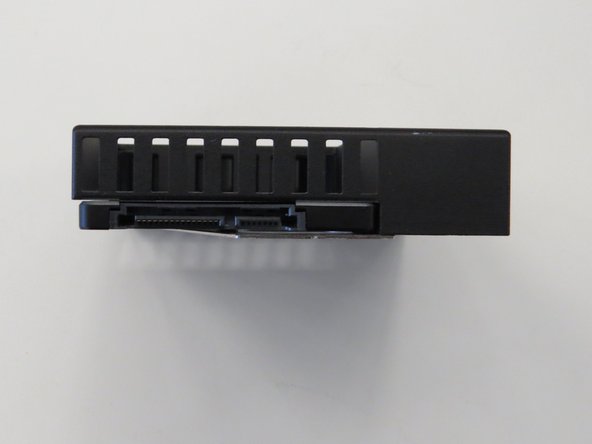
Once installed, the SSD connector should be facing outward as shown.
-
-
-
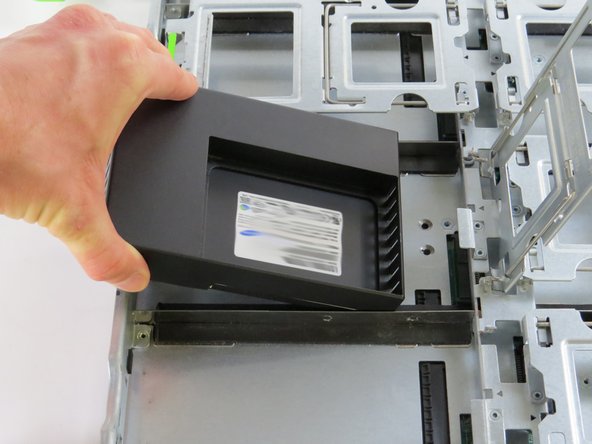
Lower the mated unit into the Open Vault.
-
-
-
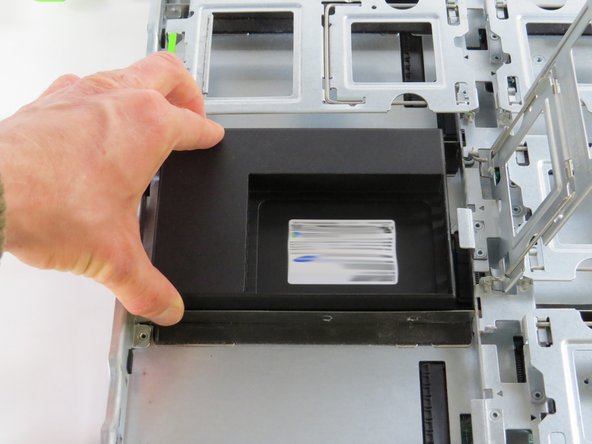
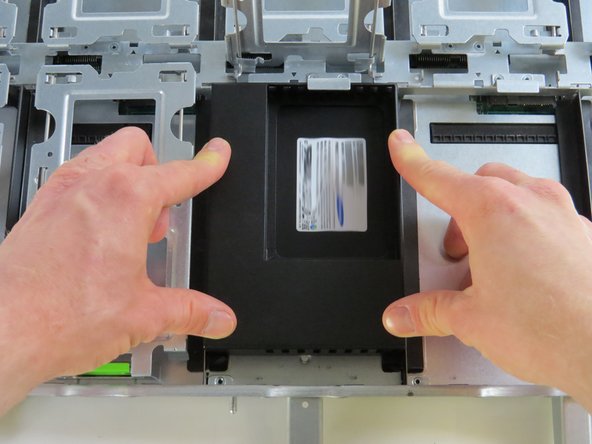
Press down firmly to ensure both sockets align properly.
-
Slide the unit forward until fully seated.
-




This work is licensed under a Creative Commons Attribution 4.0 International License.
This work is licensed under a Creative Commons Attribution 4.0 International License.
